


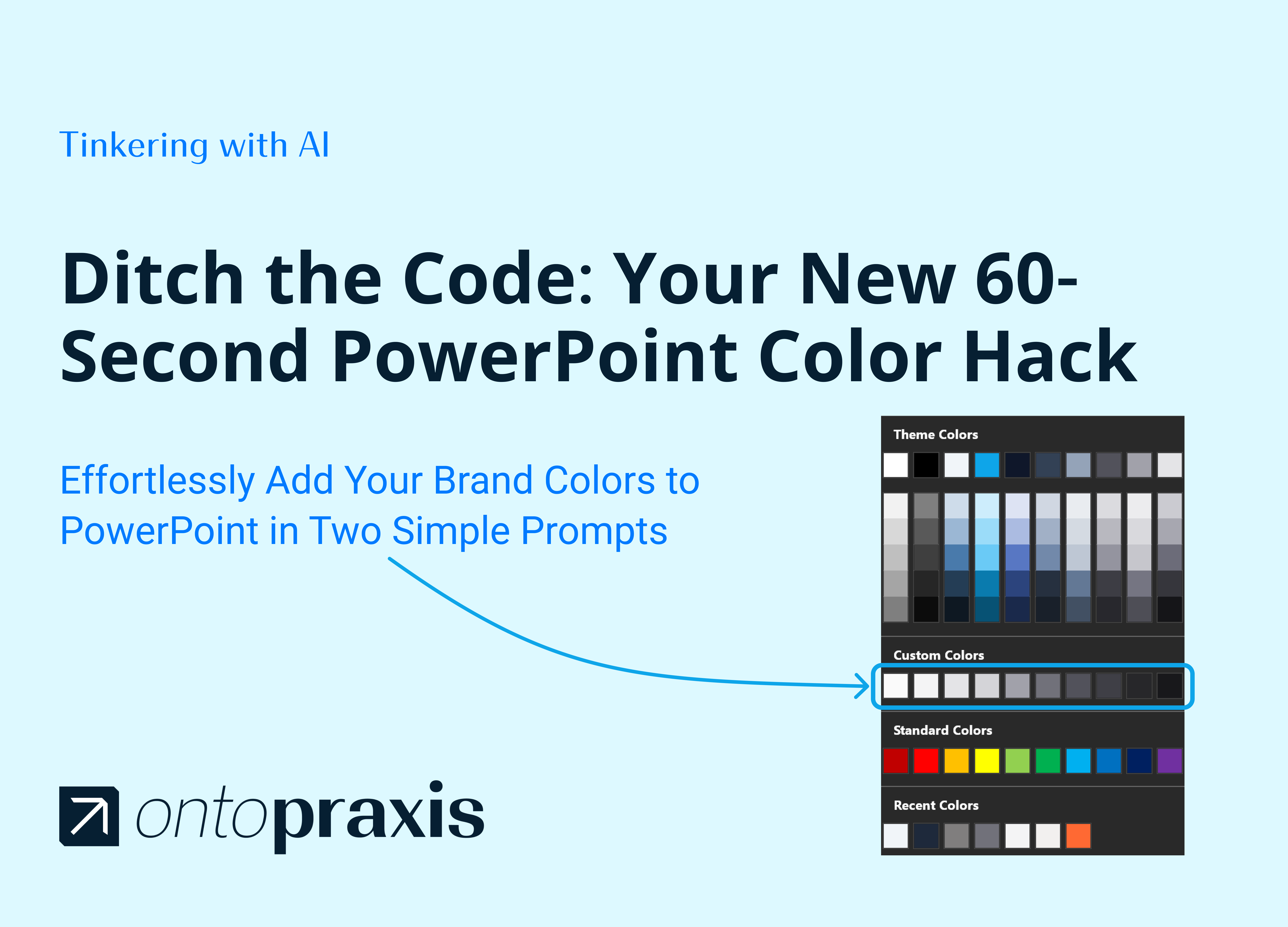
Remember the old way of adding a Custom Colors section to PowerPoint? It often involved a complicated process of hacking XML files, unzipping presentations, and manually editing code.
Fast forward to today, and AI 🤖 has completely changed the game.
I’ve been exploring a workflow using ChatGPT-5 that makes this once-tedious task incredibly simple.
Here’s how it works:

↳ You provide a list of your Hex color codes to generate the necessary XML code.
↳ You can then upload your presentation and have the AI insert the custom color theme directly into the file for you.
What used to take deep technical know-how now takes just two simple prompts. In the final file, your new palette appears perfectly in a dedicated “Custom Colors” section within the Shape Fill menu. This is a fantastic example of how AI is streamlining our workflows.
See the complete visual guide on Figma Slides and give it a try: https://hub.ontopraxis.ai/custom-colors-ppt